Threads App: Complete Guide with Features & Tips for Beginners

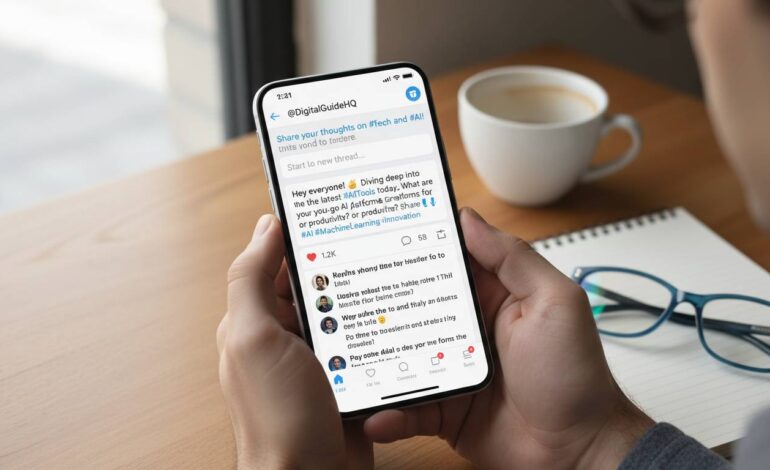
Meta’s Threads app launched in July 2023 as a text-based alternative to X (formerly Twitter). If you’ve been curious about what the fuss is about, here’s everything you need to know as a new user.
What Is Threads App and How It Works
Threads is a free app from Meta, the company behind Instagram and Facebook. Within five days of launching, it hit 100 million users—that’s genuinely unprecedented in app store history.
The app works as a microblogging platform where you share short text posts in a chronological feed. The big selling point is the Instagram integration: you can import your Instagram followers with one tap, which explains that fast growth. Nobody wants to build a new follower list from zero.
Each post (called a “thread”) lets you write up to 500 characters. You can also attach photos, videos up to five minutes, and links. The algorithm shows you posts from accounts you interact with most, mixed with some recommended content.
Key Features of Threads App
Post Creation: Write up to 500 characters per post. Add photos, videos, GIFs, or links. You can keep posts private (followers only) or public. Quote posts let you reply to someone else’s content with your own commentary.
Engagement: Like, reply, and repost content you enjoy. Bookmark posts to read later. Share via direct message or link.
Accessibility: Auto-captions on videos and automatic translation for international users.
Content Moderation: Threads uses Instagram’s community guidelines. The enforcement can be inconsistent—some users report issues getting harassment resolved.
Threads App vs. X (Twitter): A Comparison
| Feature | Threads | X (Twitter) |
|---|---|---|
| Character Limit | 500 | 280 (more with premium) |
| Edit Function | Yes, within 5 minutes | Yes, with premium |
| Video Length | Up to 5 minutes | Up to 2 minutes (10 min premium) |
| Monetization | Limited so far | Ad revenue sharing available |
Threads has the Instagram advantage—massive existing user base and smooth integration. X still dominates for breaking news and real-time conversation. For brands, it really depends on where your audience already hangs out.
Setting Up Your Threads Account
Download the app from iOS App Store or Google Play. Log in with Instagram (or create a new Meta account if needed).
Your Instagram username and photo import automatically. You can edit your bio—150 characters max. Add relevant keywords so people can find you in search.
Check your privacy settings early. You can control who can mention you, reply to your posts, and see your content.
Tips for Growing Your Audience on Threads
Cross-promote from Instagram: Share Threads posts to your Instagram Stories. Many people discovered Threads this way.
Engage with others: Reply to comments, join conversations. The algorithm favors accounts that generate real interactions.
Post regularly: Daily posting keeps you visible. Quality matters, but consistency helps too.
Use trending topics: Participating in relevant trending conversations boosts discoverability.
Understanding Threads’ Business and Marketing Potential
Threads is still early for brands. Some companies use it for behind-the-scenes content and casual customer interactions. The text-first format feels more conversational than polished Instagram feeds.
Advertising started testing in 2024 but remains limited. Creator monetization is in the works—Meta announced revenue-sharing plans, though details are still taking shape.
Frequently Asked Questions
How do I delete my Threads account?
Go to Profile > Account > Delete your account. This doesn’t affect your Instagram—you’ll need to delete that separately if desired. You can also deactivate temporarily.
Can I use Threads without an Instagram account?
No. You need a Meta account linked to Instagram. No exceptions currently.
Does Threads show my Instagram followers?
It imports them automatically, but Instagram followers don’t get notified unless you share your profile. You can adjust this in settings.
Is Threads available worldwide?
Most countries, yes. Not the European Union as of early 2024 due to data sharing regulatory issues. Meta says they’re working on it.
Can I transfer my Threads followers to Instagram?
Posts can be shared to Instagram, and your username appears on both. But follower lists are separate. Following someone on Threads doesn’t make you follow them on Instagram.
How does Threads make money?
Advertising, same as Meta’s other platforms. Creator revenue sharing is planned but not yet live for most users.